
Email Security
For Businesses That Take Email Seriously
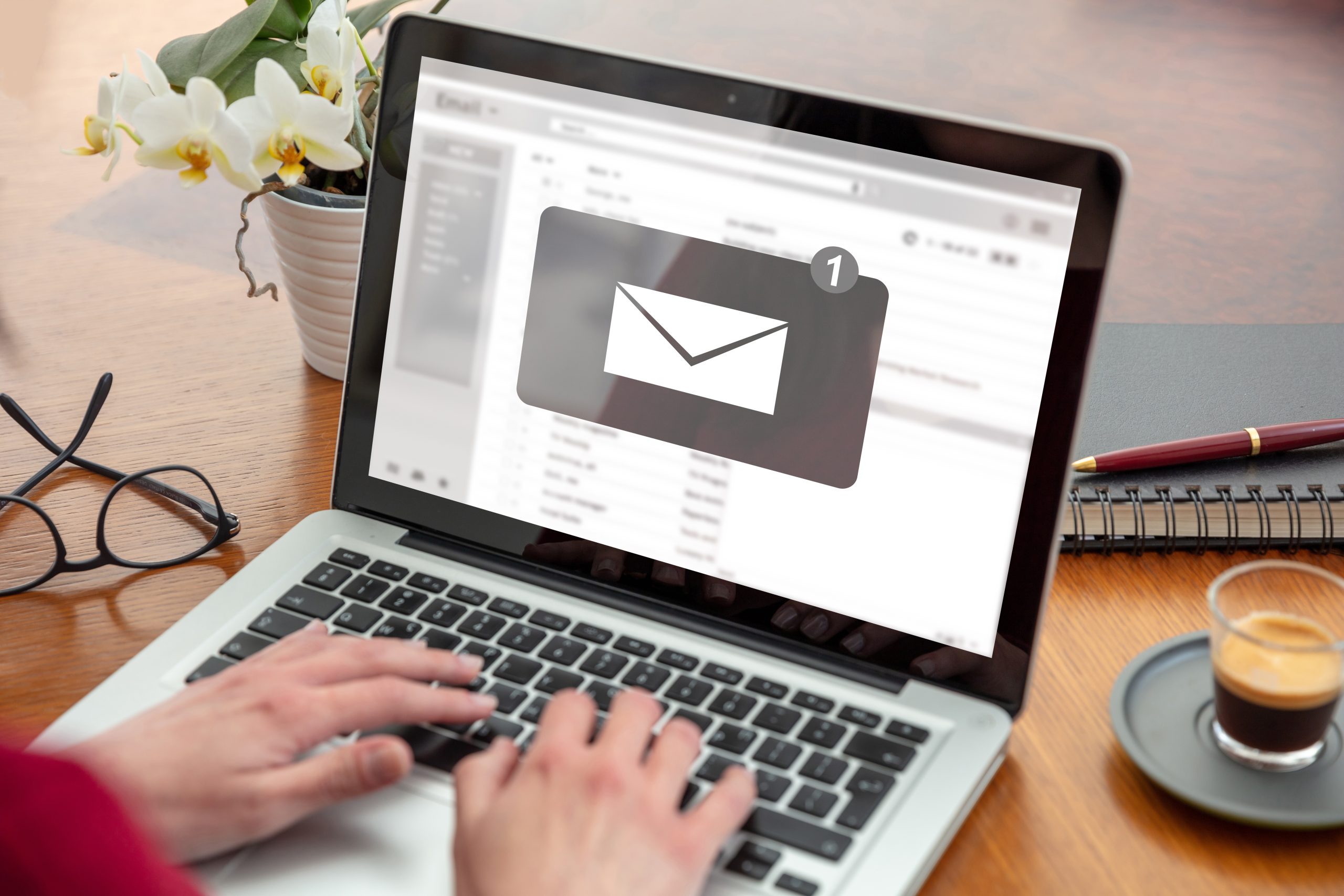
Whether sending an update to your team, invoicing a client, or building a marketing campaign, email is essential to your business.
But is your email system as secure as it should be? From phishing attacks and account takeovers to malware and spam, email-focused cyber attacks can compromise your company in a misclick.
Our email security services provide advanced threat filtering and secure gateways that scan inbound and outbound messages – blocking malicious content before it reaches your inbox.
We help businesses strengthen security, reduce risk, and protect critical communications without unnecessary complexity.
Don’t let weak email security bring you down.
Let 127 Solutions sort IT.
What is email security?
Email security protects your organisation, employees, and data against threats delivered via email.
The popularity of email means cybercriminals often use it as an entry point into your accounts and devices. These criminals frequently rely on human error to gain entry. All it takes is clicking the wrong link to cause a major security breach.
As cyber attacks become evermore sophisticated, you must stay one step ahead of the threat.
How 127 Solutions can help.
Our email security solutions combine behavioural, heuristic, and sandboxing technologies to keep you protected, along with a security gateway that scans incoming emails and deletes suspected viruses.
127 Solutions can:
- Detect
Our advanced threat protection identifies phishing attempts, impersonation emails, unsafe links, and malicious attachments before they reach users. - Block
Our security gateways prevent spoofed domains, fraudulent payment requests, and malware from entering your inbox. - Protect
Our sandboxing and filtering technologies isolate suspicious attachments and unsafe links before they can do harm. - Support
Because we manage email security alongside your IT, we can respond quickly to unusual activity and protect affected accounts.
All managed and configured as part of your wider IT environment.
This means stronger protection, faster response times, and greater confidence that your communications remain secure.
It’s like having your own IT department – without the overheads.
“Top class service as always. Thank you guys.”
– JourneyMEN CIC
Want to boost your email security?
Speak to a specialist and let 127 Solutions sort it.
FAQs
Phishing is a form of cybercrime. An attacker pretends to be a legitimate organisation or person, such as a bank, colleague, or service provider, to trick you into handing over sensitive information, such as passwords, bank details, login credentials, or personal information.
Telltale signs of phishing emails include:
- A suspicious sender address that doesn’t match the claimed organisation
- Generic greetings, like “Hi there!”
- Unusual punctuation or grammar
- Unexpected attachments or links
- Links to non-secure (non-HTTPS) sites
- Urgency, panic, or pressure, for example, “your account will be closed unless you respond.”
- Requests for confidential information
Don’t click any links or open attachments. Verify the sender via a separate channel, such as an official phone number or website. Report the message to your IT solutions provider or in-house security team.
Yes. Spam emails are usually unsolicited bulk messages that are more of a nuisance than a threat. Phishing is a targeted attack aimed at sensitive data. To block spam, use built-in or third-party spam filters, avoid posting your email publicly, and unsubscribe from unnecessary mailing lists. However, you should never click “unsubscribe” links in spam – this can confirm your address is active.
Tips for stopping phishing emails include:
- Check who the sender is by verifying their email address. Don’t trust messages with odd domains or slight misspellings.
- Avoid clicking links or opening attachments in unexpected emails. If you need to check something, for example, a bank alert, go to the official website or app instead of trusting the link.
- Use up-to-date email security, including spam/phishing filters, URL scanning, attachment sandboxing, and authentication techniques such as SPF, DKIM / DMARC.
- Enable strong account security measures, such as two-factor authentication. Taking precautions will reduce loss even if your credentials are compromised.
- Train yourself or staff to spot phishing red flags and treat anything suspicious as potentially malicious.
127 Solutions recommends that you:
- Use up-to-date antivirus software on all devices to help detect and block malicious attachments or malware that may come via email.
- Use spam/virus filtering and email security software that automatically scans incoming messages, including attachments and embedded links, before they reach your inbox.
- Never open attachments or click links in emails from unknown senders. Treat unsolicited attachments as potentially dangerous.
- Keep your operating system, email client, and browser up to date. Outdated software can have security flaws that attackers exploit.
Get a quote
We aim to respond to requests within 1 hour during our business hours of 08:00-17:30 Monday-Friday